Marketing automation software for
Facebook.
Facebook.
Install it in desktop Chrome. GCare finds people asking to buy in the groups you pick, AI writes the comment from your shop profile, and it runs slowly with a daily limit.
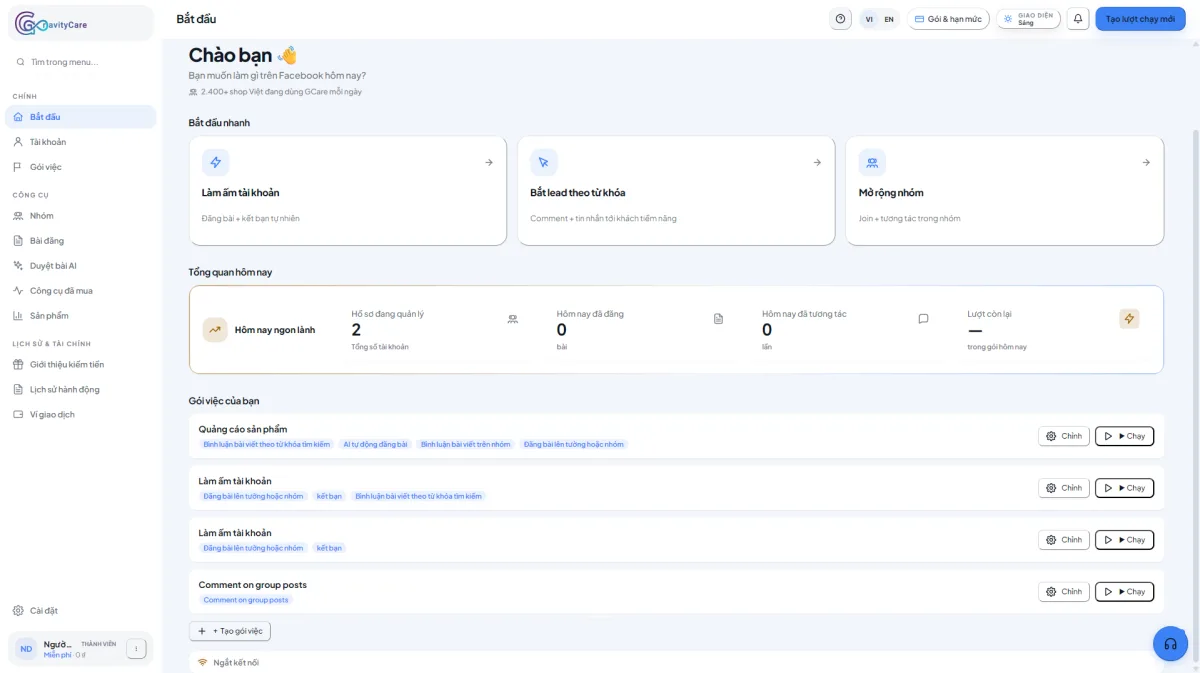
GCare is new and has few users so far. Here is what it does:
What it does.
Less repetitive work on Facebook. You still pick the groups, the pace and close the sale.
See all featuresSlow, with limits
Runs in your own Chrome, no proxy. Pauses 6 to 18 seconds between tasks, 30 tasks a day by default, 15 on Careful. Facebook can still restrict an account, so start small.
AI writes, you approve
AI writes posts from your shop profile and notes. Post them automatically or approve each one first.
Group tasks into Scenarios
Put several tasks in one scenario, run now or on a schedule, and review every run.
Installed, then three steps.
GCare only runs while Chrome is open with a Facebook tab. Turn the computer off and it stops.
Pick groups
Choose groups you already joined.
Brief the AI
Fill in your shop profile and buyer words.
Run
Test one round, then schedule it.
Clear pricing.
There is a free plan. Upgrade when you need to run more.
Free
Real use on one account, no card.
- ✓ 1 Facebook account
- ✓ 150 AI comments and messages a month
- ✓ 30 AI posts a month
Pro
For shop owners and online sellers.
- ✓ 5 Facebook accounts
- ✓ 3,000 AI comments and messages a month
- ✓ 450 AI posts a month
Agency
For teams running many accounts.
- ✓ 20 Facebook accounts
- ✓ 8,000 AI comments and messages a month
- ✓ 1,200 AI posts a month